Selenium Web Automation Explained: From Test Scripts to Real-World QA Projects

Web applications are constantly changing. New features are introduced, existing functionality is modified, and releases can happen frequently. While faster development helps businesses deliver products quickly, it also creates a challenge for testing teams: how can they verify application functionality efficiently after every change? This is where test automation becomes useful.
Instead of manually repeating the same scenarios after every release, testers can automate selected test cases and execute them whenever required. Automation can improve consistency, reduce repetitive effort, and provide faster feedback to development teams.
For someone entering the QA field, understanding how automation works can be an important step toward developing technical testing skills. Selenium Automation Testing Training provides learners with an opportunity to understand browser automation, test scripting, WebDriver, frameworks, and practical automation workflows.
What Makes Selenium Useful?
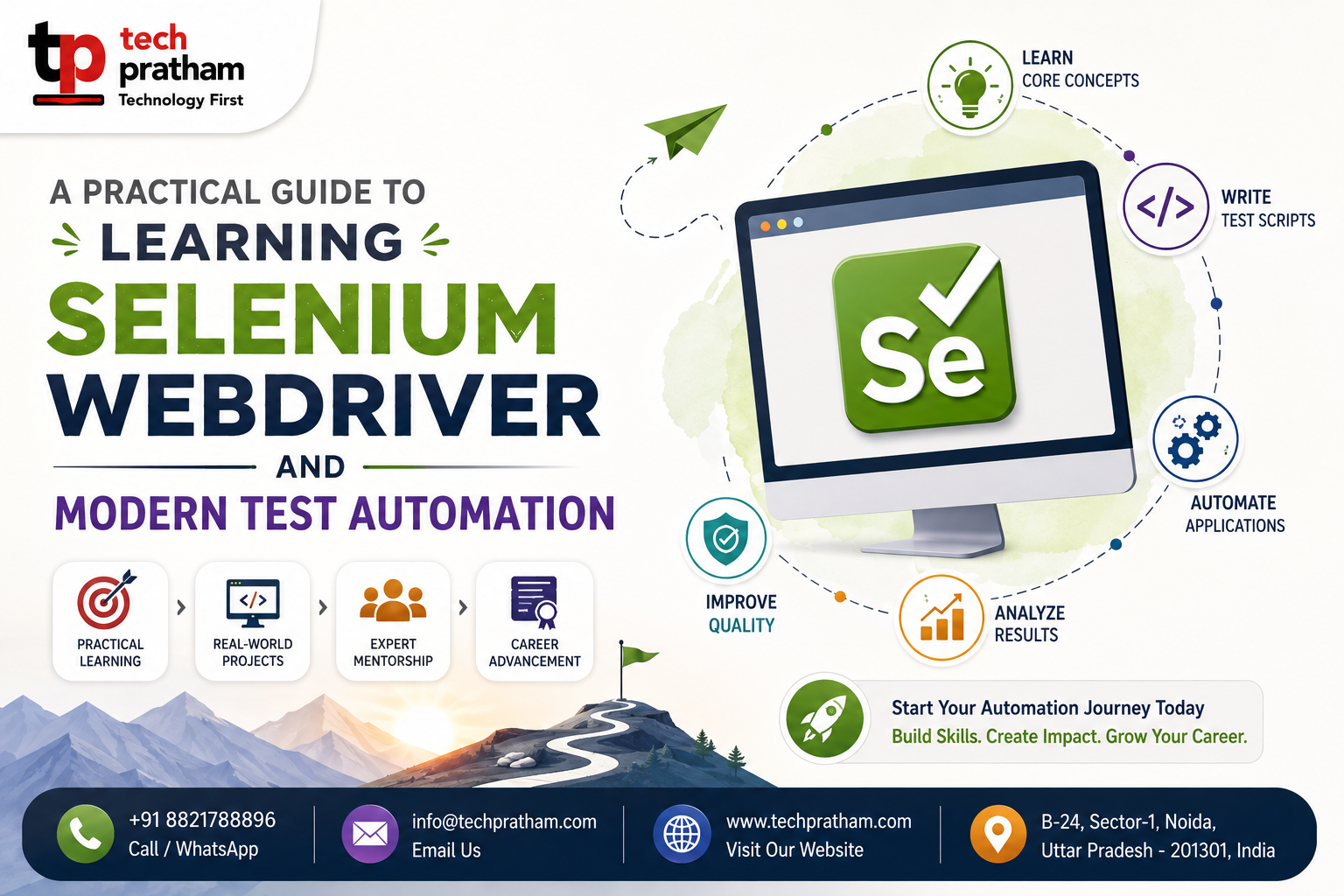
Selenium is an open-source technology widely associated with web browser automation. It enables automation scripts to interact with web applications and perform actions that users normally perform manually.
A script can launch a browser, open a webpage, locate an element, enter information, click buttons, and verify results. This makes Selenium particularly useful for functional and regression testing of web applications.
Selenium WebDriver
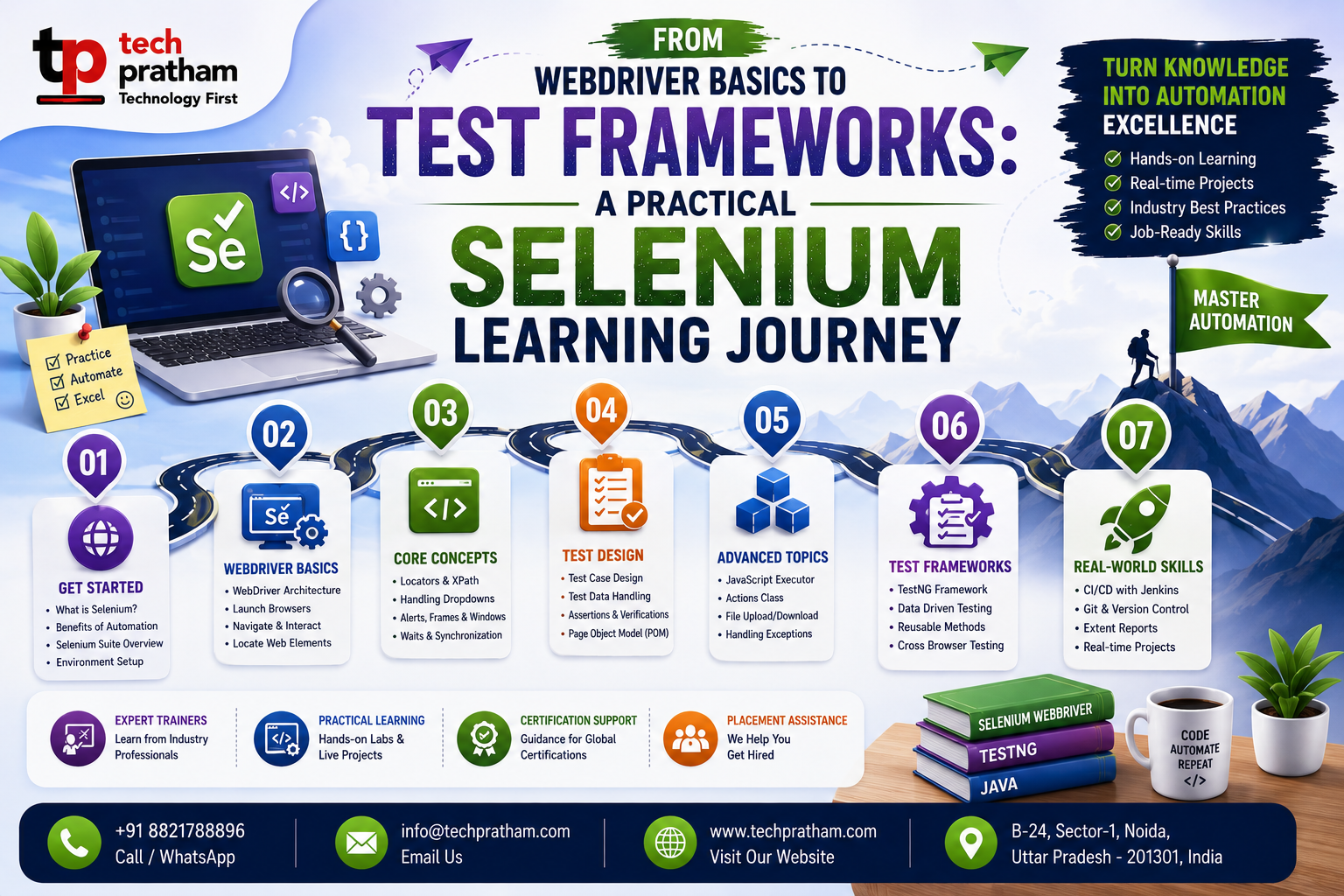
WebDriver is central to Selenium automation. It provides the communication between automation scripts and browsers. Learners should understand how WebDriver handles browser sessions, navigation, web elements, commands, and synchronization. A major part of Selenium automation involves locating elements correctly.
Testers can use locators such as:
ID Name
Class
CSS selector
XPath Tag name
Choosing stable locators is important because poorly designed locators can make automation scripts fragile.
Programming and Automation
Selenium is not a replacement for programming. Automation testers usually need knowledge of a programming language such as Java, Python, JavaScript, or C#. Programming helps testers create reusable functions, conditions, loops, data structures, error handling, and automation logic.
For beginners, this can initially seem challenging, especially if they come from a completely non-technical background. However, learning programming specifically for automation can make the process easier because the focus is on practical testing requirements.
From Test Scripts to Frameworks
Writing individual automation scripts is only the beginning. Real projects may contain hundreds or thousands of test cases. Managing them requires proper organization.
Test frameworks can help with test execution, setup and teardown, assertions, reporting, test grouping, and data management. The Page Object Model is another useful design approach. It helps separate page-related elements and actions from test logic, making automation projects easier to maintain.
Synchronization and Waits
One of the common challenges beginners face is timing. A webpage may take time to load an element, display a message, or complete an operation.
If an automation script tries to interact with an element before it is ready, the test may fail even though the application itself is working correctly. Understanding implicit waits, explicit waits, and appropriate synchronization techniques is therefore important.
Selenium Testing Training in India
For learners who want structured guidance, Selenium Testing Training in India can help provide a systematic path from basic testing concepts to automation.
A useful training approach should include both theory and practical implementation. Learners should practice creating test cases, writing scripts, debugging failures, organizing test suites, and generating reports.
Choosing a Selenium Testing Course
A Selenium Testing Course in India should ideally cover more than basic browser commands.
Learners should look for topics such as:
Selenium WebDriver
Locators XPath
CSS selectors
Browser handling
Alerts Frames
Windows Dropdowns
Waits Screenshots
Assertions Test frameworks
Page Object Model
Data-driven testing Reporting
Project-based learning can make these concepts easier to understand.
Building a Real-World Project
A good way to learn Selenium is to automate a realistic web application. For example, an e-commerce project could include login, product search, filtering, cart management, checkout, and logout.
The learner can create test cases first and then automate stable and repetitive scenarios. This teaches an important lesson: automation should begin with good test design.
Manual Testing Still Matters
Automation does not eliminate the need for manual testing. A tester must understand what needs to be tested before deciding what should be automated.
Exploratory testing, usability testing, visual checks, and scenarios requiring human judgment may still benefit from manual testing. This is why learning manual testing alongside Selenium can be useful.
Career Opportunities
Professionals with Selenium and broader QA knowledge can explore roles such as:
Automation Tester
QA Engineer
SDET Test Automation Engineer
Software Tester
Quality Analyst
Additional skills such as SQL, API testing, Git, CI/CD, and programming can further strengthen a professional profile.
The Role of Continuous Learning
The automation ecosystem continues to change. Selenium remains relevant for browser automation, but professionals may also encounter tools such as Playwright and Cypress.
Rather than focusing only on one tool, testers should understand general automation principles. This makes it easier to adapt when project requirements change.
Final Thoughts
Selenium provides a practical way to enter the world of web automation. But becoming proficient requires more than memorizing WebDriver commands. Programming, test design, synchronization, framework architecture, debugging, and project experience all contribute to automation expertise.
A structured Selenium Testing Course can provide direction, while consistent practice can turn that knowledge into practical ability.
For aspiring QA professionals, the most effective learning journey is to understand manual testing first, develop programming fundamentals, learn Selenium WebDriver, build automation frameworks, and apply the skills through real-world projects.
That combination can create a strong foundation for a long-term career in automation testing.